using azure ai foundry hosted models for github copilot (2026 update)
This is an update to the original post: using azure ai foundry hosted models for github copilot
new way to do so through visual studio code
Since my post last year, Visual Studio Copilot Chat along with Github Copilot has changed considerably. The new way to connect Azure AI Foundry aka Microsoft Foundry model is more config driven.
steps
1) Deploy a model in Microsoft Foundry.
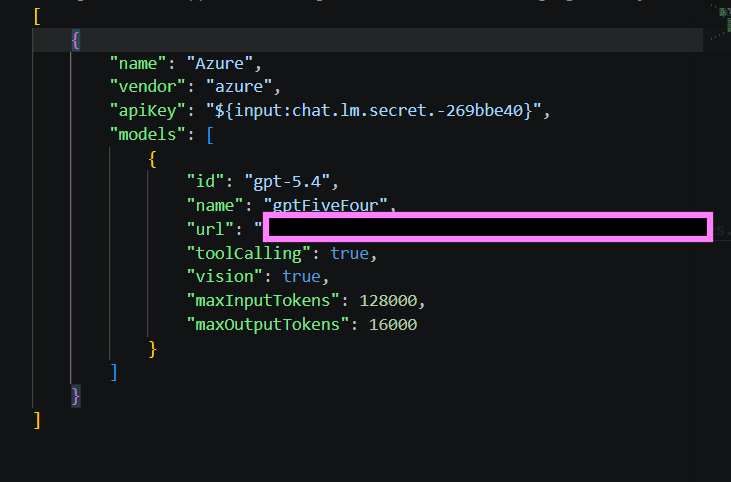
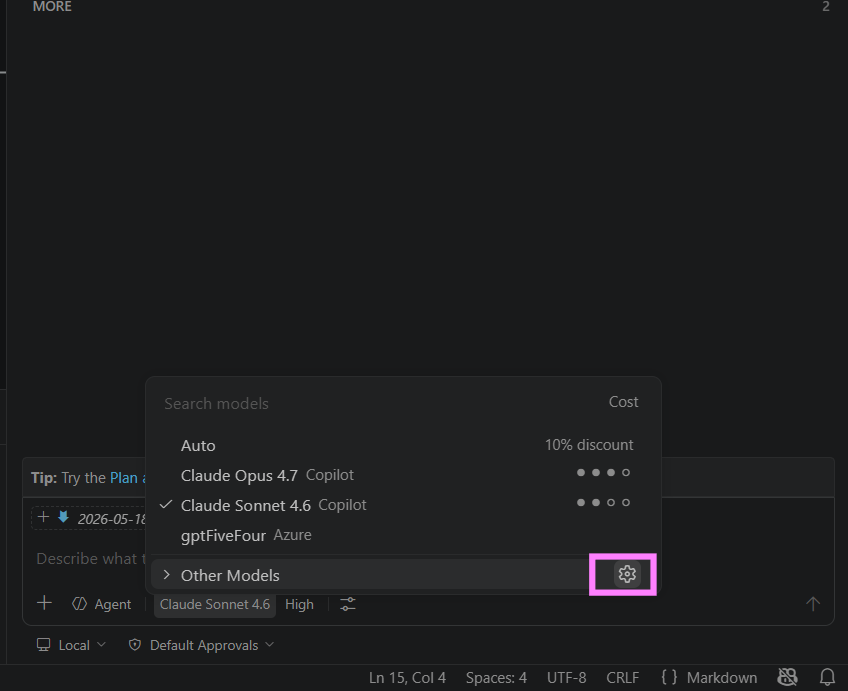
2) In the Copilot Chat pane click on the gear icon from the model select dropdown.
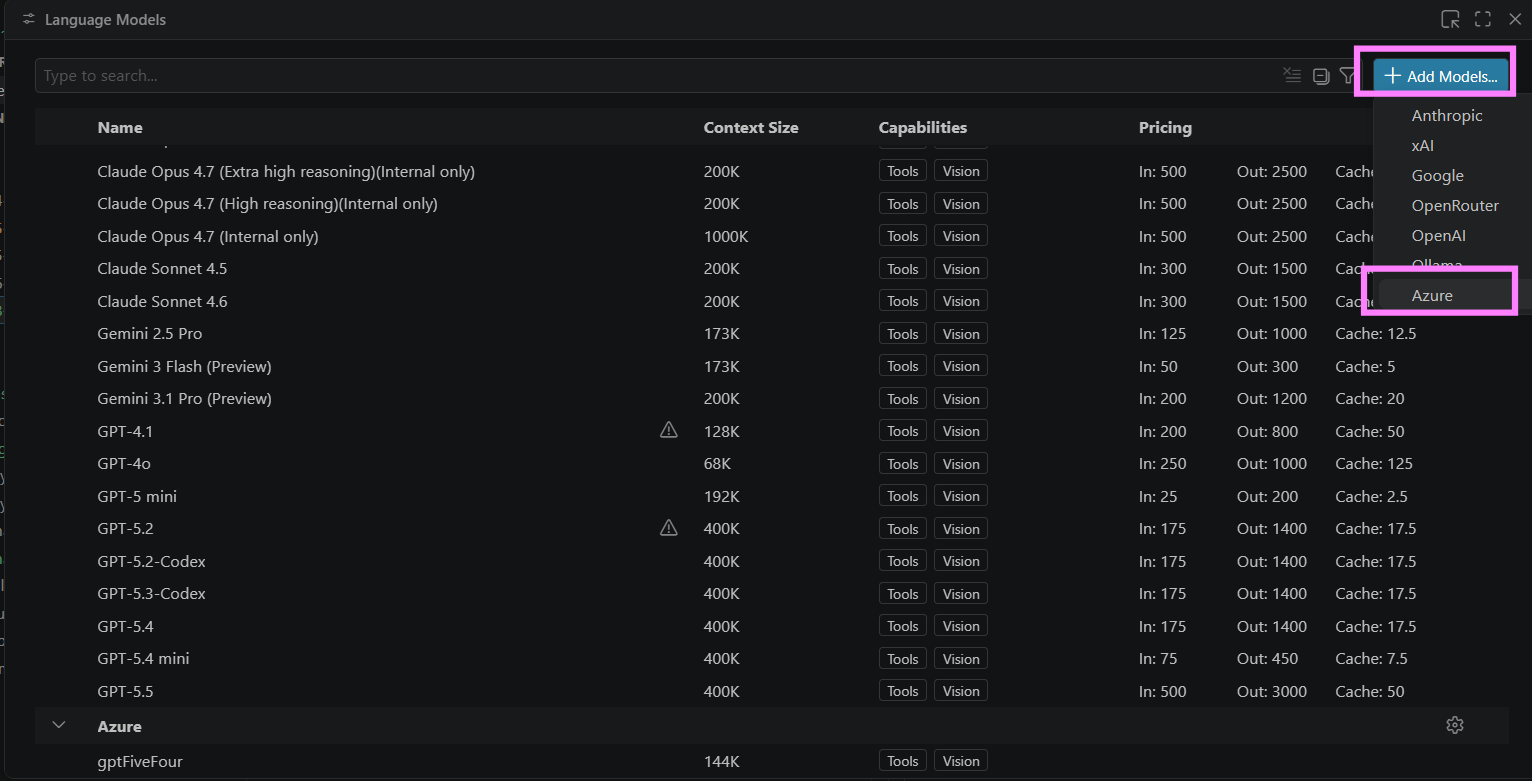
 3) In the pop up window for language models, select
 Add Models and then from the dropdown select Azure.
 4) Add the group name e.g.,
 Microsoft Foundry.
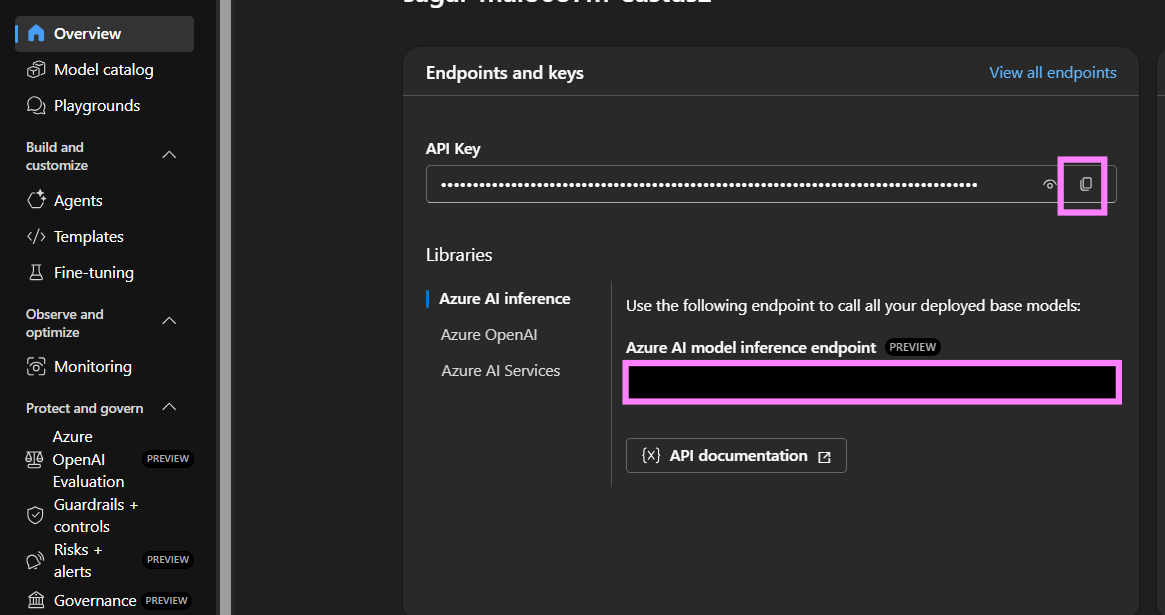
 5) Enter API key or leave empty to use Entra ID.
 For this get the token from the Microsoft Foundry page if using token:
 6) Configure the model in the configuration json. Get the URL link to the model deployment from Microsoft Foundry. Keep the ID consistent with the model deployment.